Getting Started With Reviews
Getting Started With Reviews
_Follow this step-by-step guide to make sure you have everything in place before launching your reviews campaign.
_
1. Identifying Happy Customers
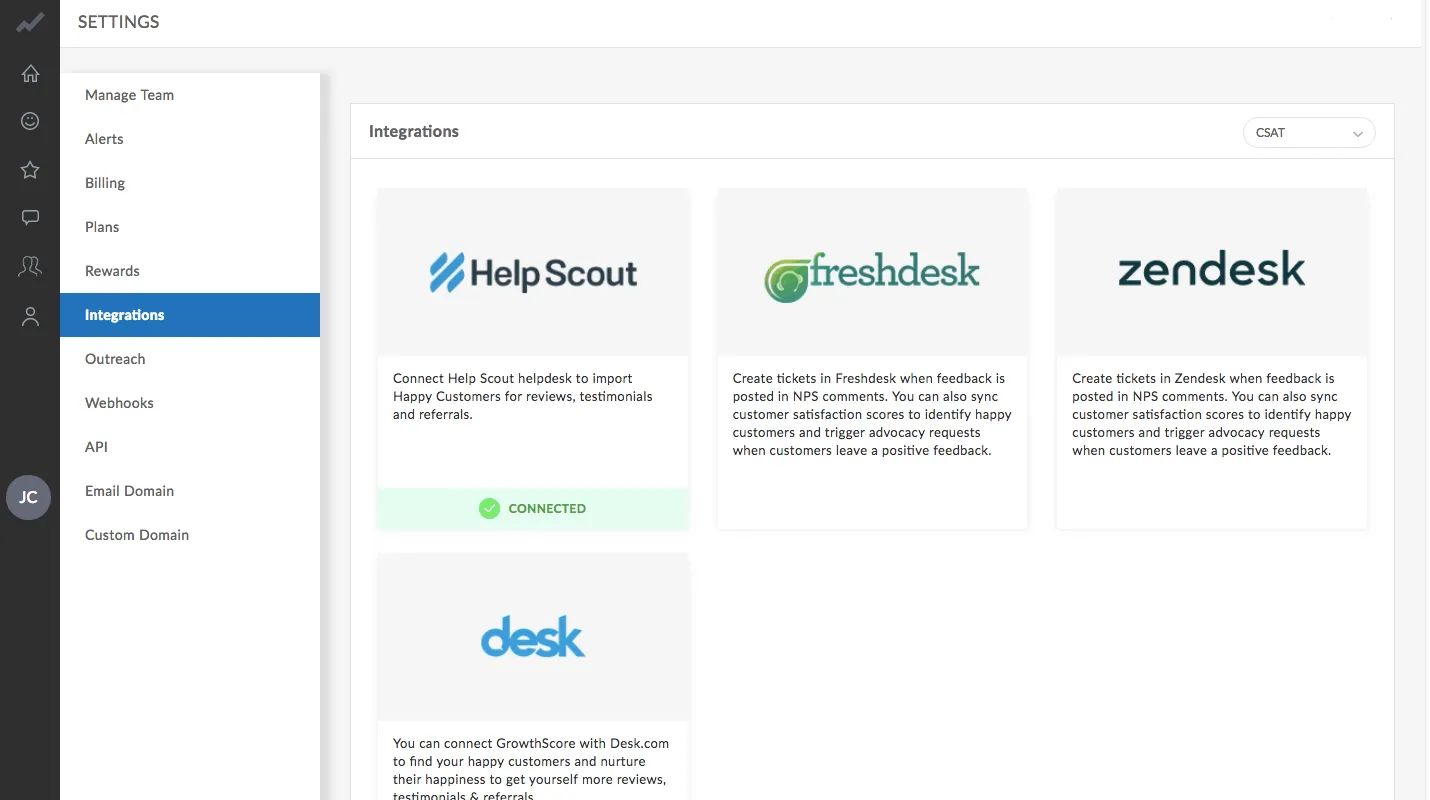
Section titled “1. Identifying Happy Customers”Connect your existing (or use our in-built) Net Promoter Score tool or Helpdesk software (for CSAT) to help GrowthScore identify your happiest customers. You can find a list of these tools under Settings > Integrations > CSAT/NPS (dropdown).
2. Integrate Your Email Provider
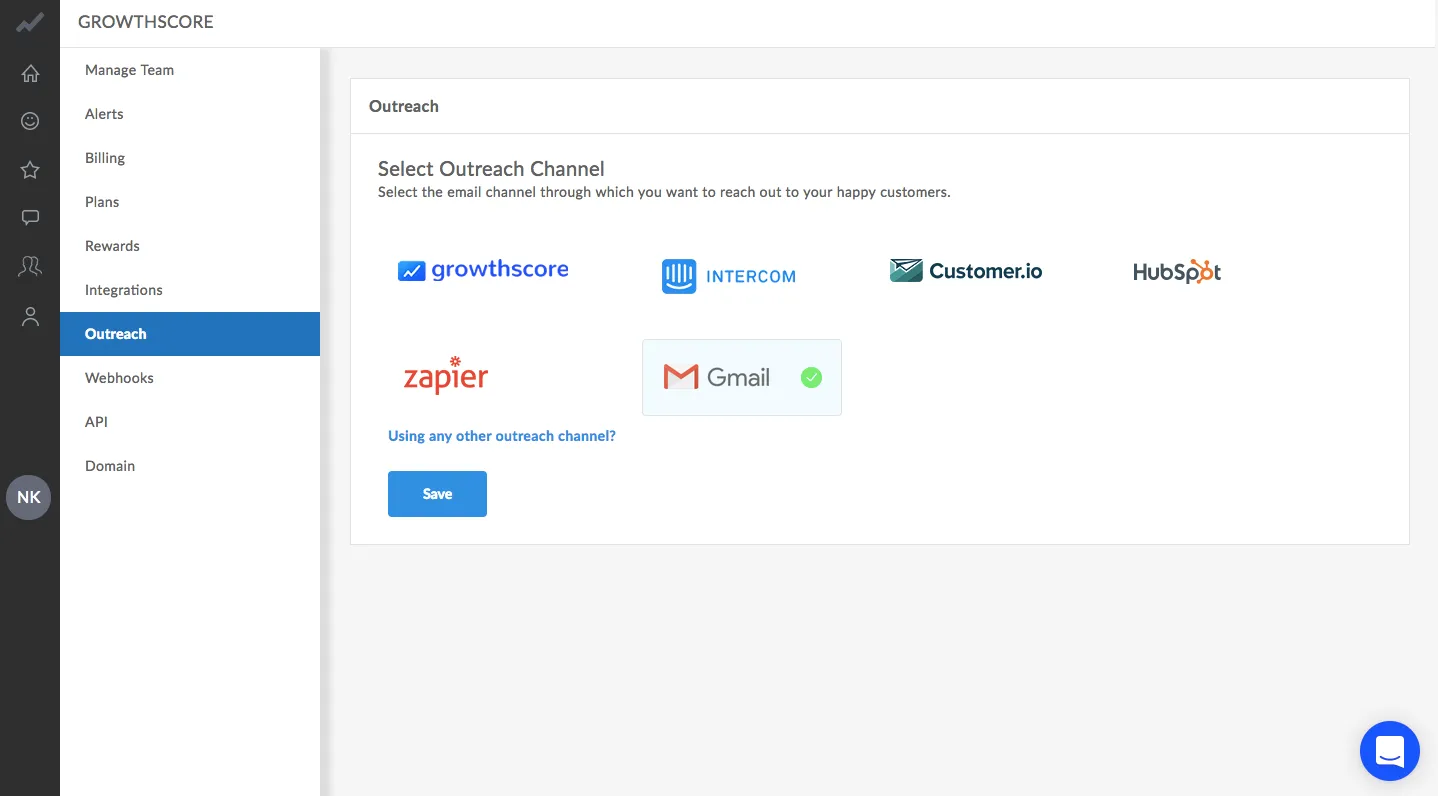
Section titled “2. Integrate Your Email Provider”Connect Gmail or your existing email provider to allow GrowthScore to auto-send emails on your behalf. If you wish to use GrowthScore’s email delivery service, select ‘GrowthScore’ as the outreach channel and configure your domain and ‘From’ email under Settings > Domain.
3. Configure Campaign
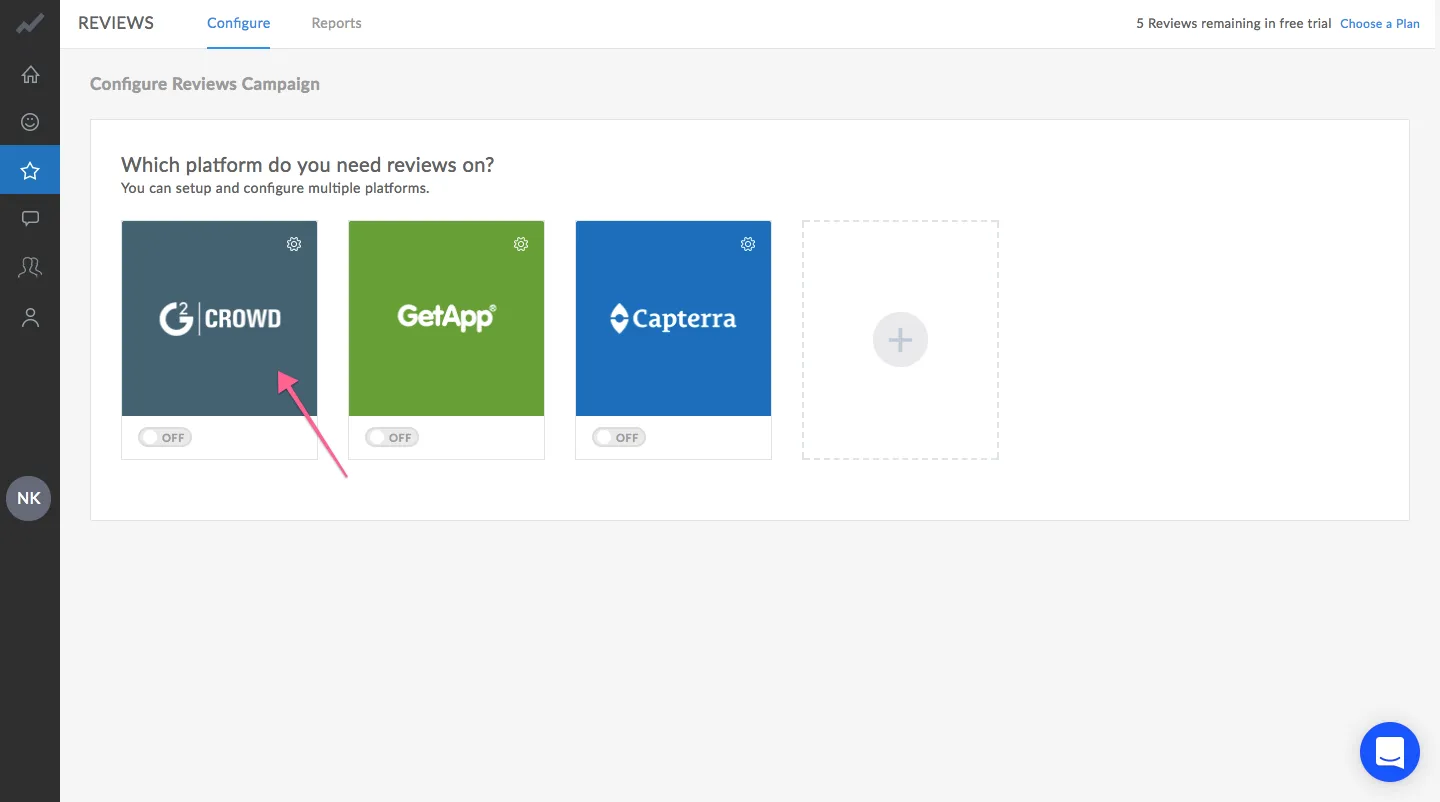
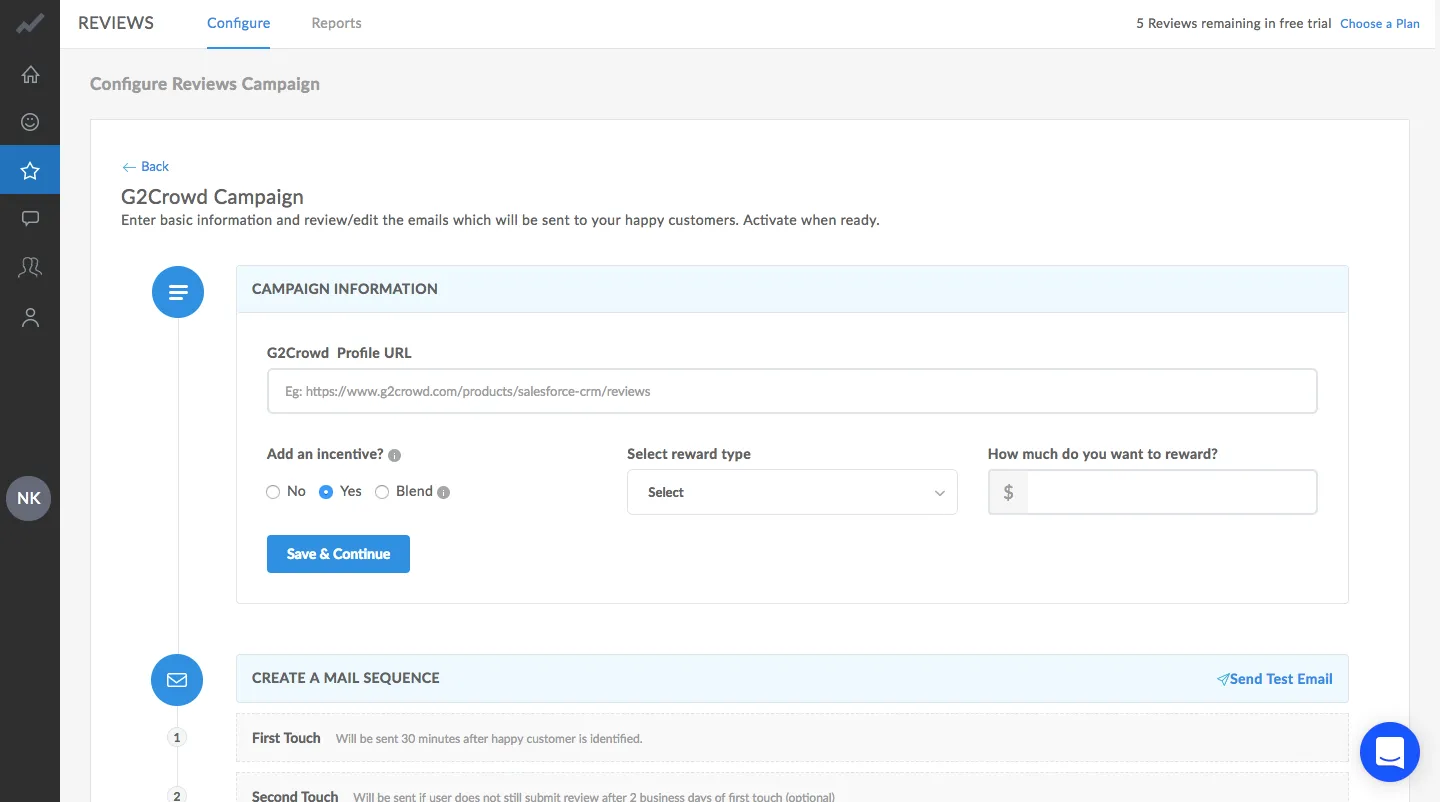
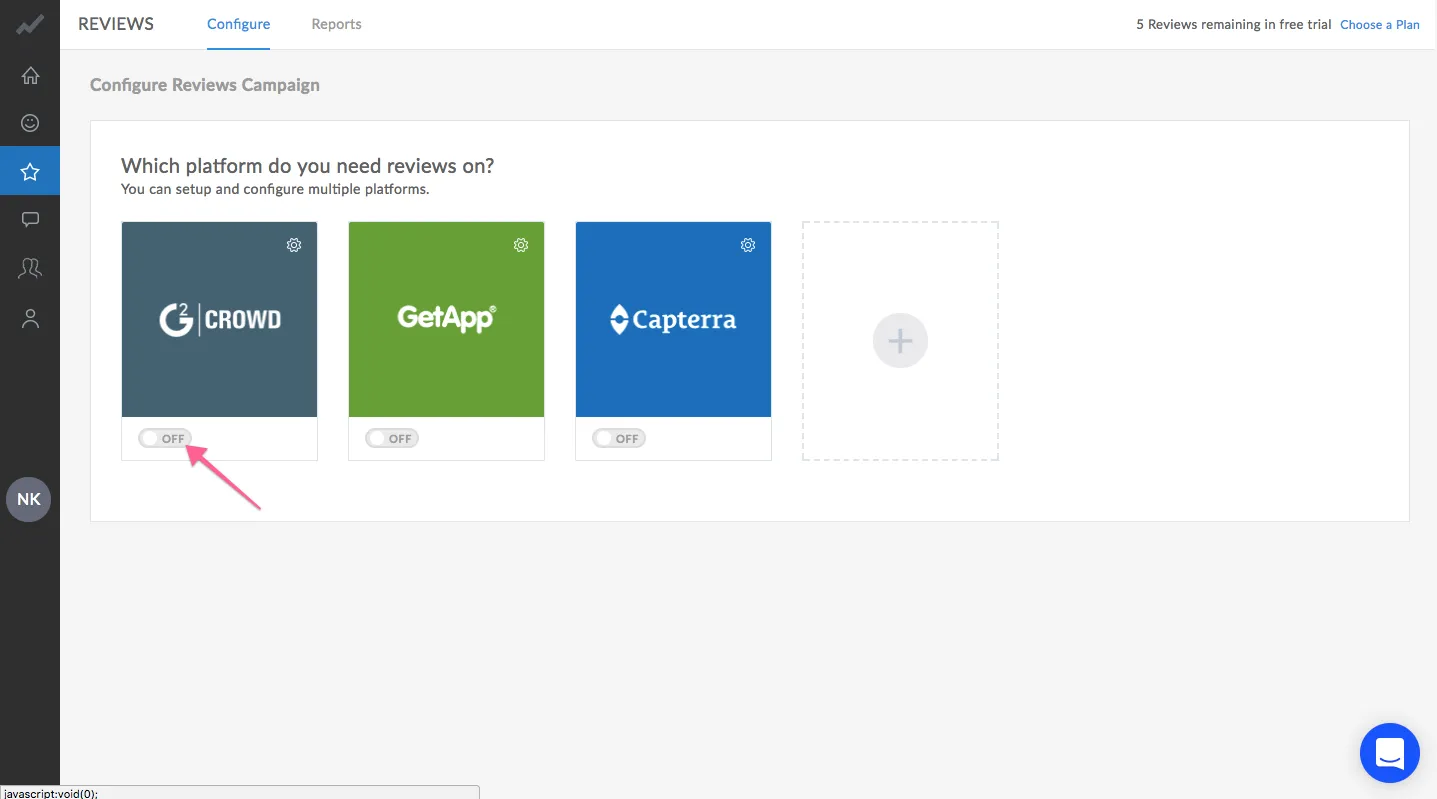
Section titled “3. Configure Campaign”Select the platform you want reviews on. Enter your campaign information and edit your mail sequence. Choose if you wish to give rewards or not and save your campaign.
4. Setup Rewards
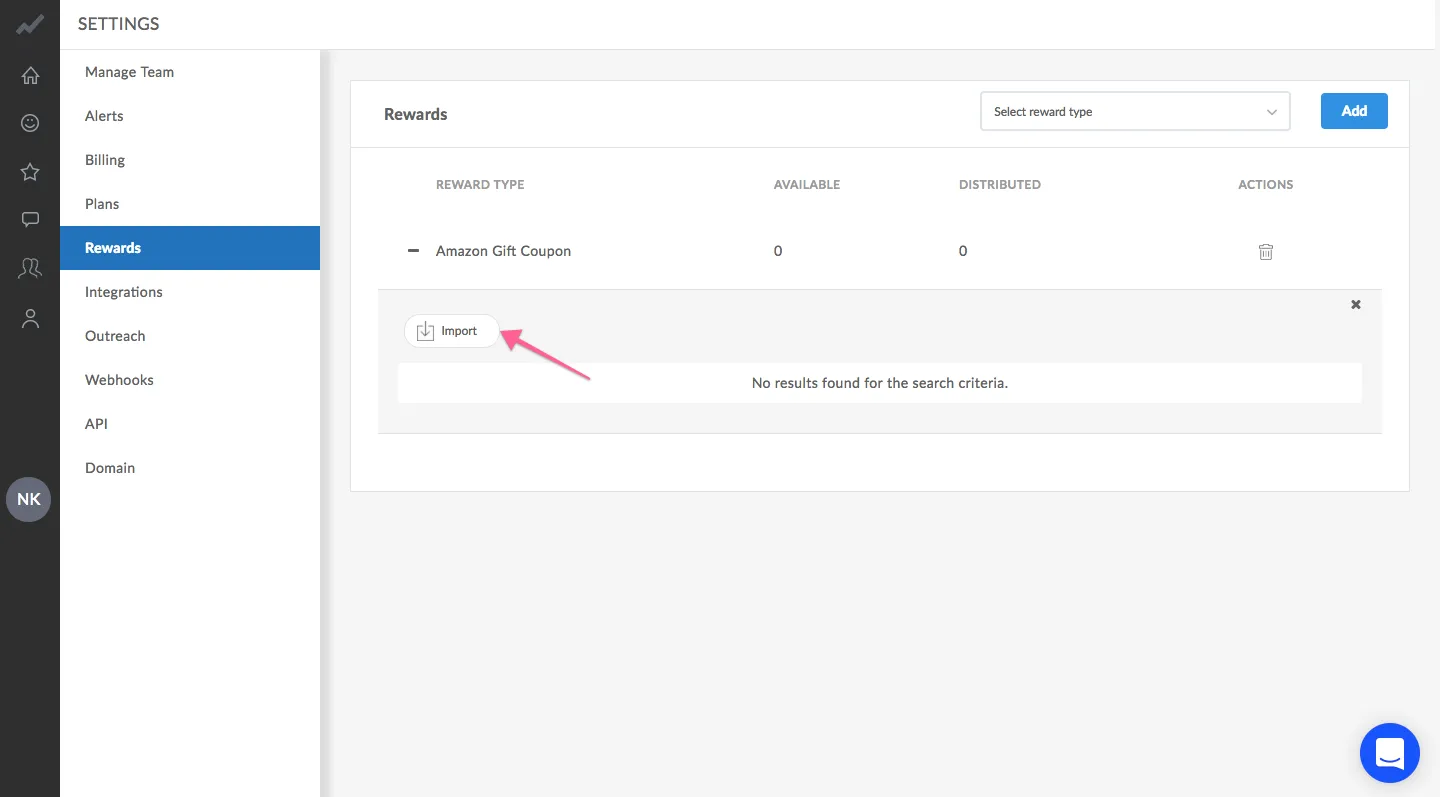
Section titled “4. Setup Rewards”You can upload rewards such as Amazon Gift Cards (CSV) under Settings > Rewards. You need to purchase these coupons from the respective vendors.
5. Go Live
Section titled “5. Go Live”Activate your campaign to go live. Emails will be sent to your customers as and when GrowthScore receives new data from your NPS or Helpdesk software. If you choose to receive reviews on multiple platforms, GrowthScore will automatically distribute your customers among these platforms and won’t send repeated review requests to the same customer.
6. Setup Alerts
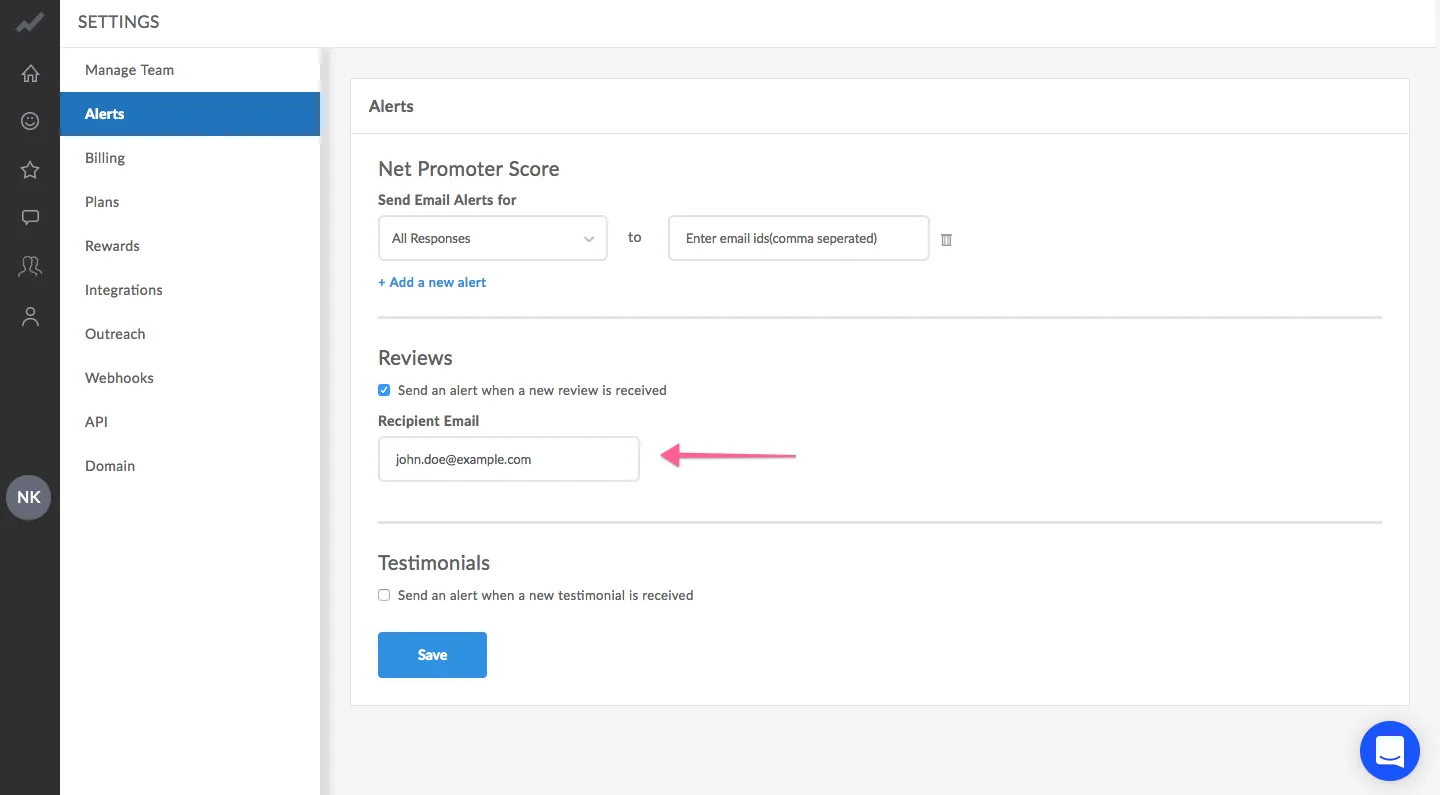
Section titled “6. Setup Alerts”Receive alerts either through email or slack when you receive new reviews.